




It started innocently enough, a simple way to make her 13-year-old daughter’s long commutes to and from school more bearable. Mrs Drishti Bhatia had relented and allowed her daughter Kaavya to listen to YouTube Music and watch pre-downloaded Netflix videos on her mobile phone.
Soon, Mrs Bhatia recalls how her daughter would sometimes continue watching videos even after reaching home, choosing screen time over her outdoor time or homework. “Over time, I became concerned about her screen use,” she says.
As an AI Associate Trainer who teaches AI fundamentals to students, she understands how digital platforms are designed to hook users. That’s why she grew increasingly uneasy. Even so, the tech-savvy mother knew that protecting her daughter wasn’t about banning devices.
“I don’t believe in confiscating her phone,” says Mrs Bhatia, an associate Trainer at AI Learning Lab. “For teenagers, the phone is a very important communication tool with family and friends – especially with all the major changes in Secondary 1. Taking away her device would cut her off from that social support.”
Instead, she found five ways that worked for her family and helped her teen learn to manage her own screen habits.
Tip #1: Set limits, but keep them realistic
To help her teen curb her increasing screen use, Mrs Bhatia took a balanced, collaborative approach. First, she started by setting a daily screen time limit of one and a half hours for her teen – the duration of her commute.
“I explained that I had no problem with her using her phone for entertainment, but to keep it to her travel time. That worked well, and after I noticed she was managing okay, I removed the restrictions,” Mrs Bhatia says.
Screen time limits can be set through parental control features on most mobile devices. These features also typically allow parents to approve additional screen time if say, their child needs extra time for schoolwork.
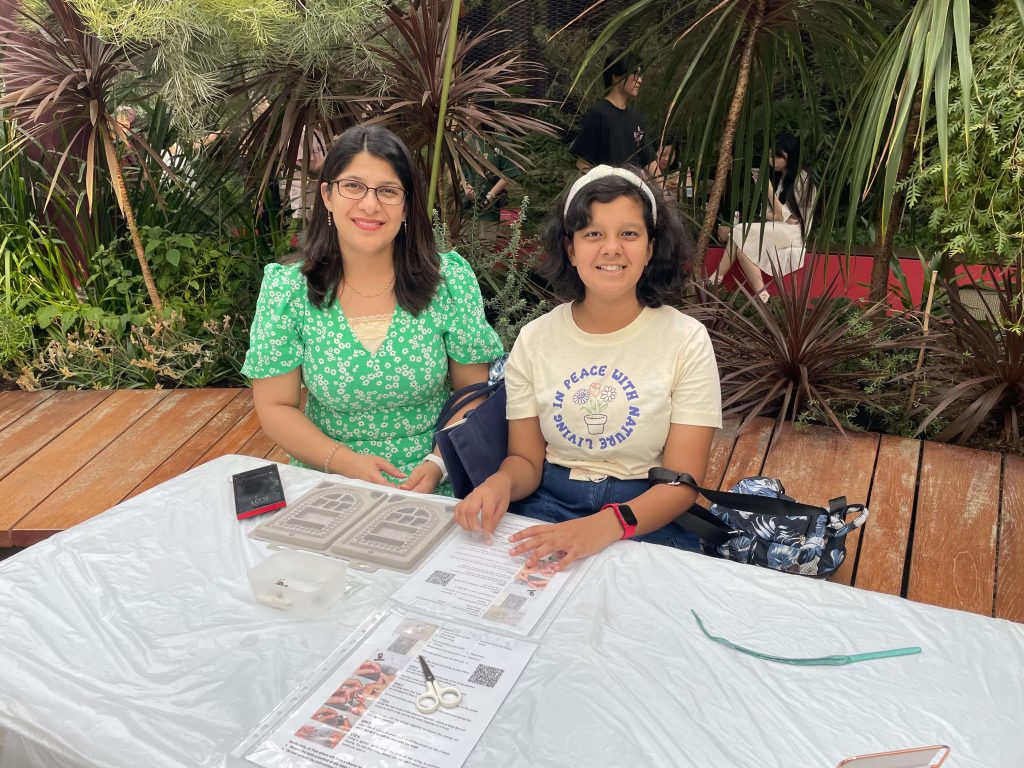
Mrs Bhatia told her daughter to “make time for everything” – not just screen time. Family time and outdoor play are just as important
Instead of a blanket ban, Mrs Bhatia focused on helping her daughter find balance. “I told her to make time for everything – studying, outdoor activities, and meeting friends so that she has a social circle,” she says.
Mrs Bhatia believes it is important to help children discover fulfilling and meaningful activities beyond the screen. “During holidays, our TV time will increase, of course. But we also make it a point to let the children pick up a non-academic skill,” she elaborates. For example, Kaavya has dabbled in several activities, such as swimming and learning to play the keyboard.
Tip #2: Make a weekly plan together

Planning a daily or weekly timetable can help teenagers manage their time more effectively. Ensure the schedule comprises a balanced mix of academics, physical activity, social time, and rest for overall well-being
Every Sunday, the Bhatias, who also have an older son aged 18, sit down as a family to plan the week ahead. It’s a practice that has been in place since the children were in primary school.
“We’ll discuss the time they come home from school, and which subject to focus on each day. For example, Mondays might be for English, Tuesdays for Math, and so on. We also factor in outdoor activities and other downtime,” explains Mrs Bhatia.
When the weekends roll around, they will have movie nights. “We pick a movie together, and if our choices don’t match, no problem. We split into groups – my daughter and I might watch something in one room while my husband and son watch something else. It’s a way for us to understand each other’s choices and respect them.”
Tip #3: Redirect curiosity towards healthier alternatives
Mrs Bhatia credits her 18-year-old son Krishna for playing a role in redirecting his younger sister towards healthier screen habits. Having gone through similar challenges himself, Krishna understood the temptation of endless scrolling and how best to manage it. And no, constant nagging or scolding doesn’t work.
“He told me that if I simply tell her to stop watching YouTube, she will retaliate – like a normal teenager,” says Mrs Bhatia.

Krishna helped redirected his sister towards healthier digital habits
Krishna encouraged his sister to explore educational channels that matched her interests in Science and Math. It worked. “That gentle redirection, rather than outright restriction, worked very well for her,” adds Mrs Bhatia.
Mrs Bhatia also found another way to turn screen time into a more productive experience, especially during the school holidays. She signed Kaavya up for an e-learning platform that rewards users for completing worksheets and tasks.
“She does her worksheets happily because there’s no pressure – exams are over. When she completes them, she earns tokens and can shop for items,” Mrs Bhatia says.
Tip #4: Don’t do it alone: Tap on the schools’ digital parenting resources
As the Parent Support Group (PSG) Chairperson at Tanjong Katong Primary School (TKPS), Mrs Bhatia firmly believes that schools and parents must work hand-in-hand to raise mindful, digitally savvy Internet users.
While she will be stepping down from her role in the PSG soon, as both her children have graduated, she is grateful for how TKPS has supported parents. From time to time, the school has organised workshops for parents on digital safety, and how to reinforce healthy screen habits at home.
Mrs Bhatia recalls attending one session where parents were tasked to take part in a short activity. First, they were asked to silently recite a sequence, such as A to Z or 1 to 100. Next, they were tasked to recite A to Z while matching a corresponding number to each alphabet. For example, A – one, B – two, C – three and so on.
“It was so much harder to do the second activity!” Mrs Bhatia recalled. “It showed how multitasking, such as checking the phone while studying, reduces focus and productivity. It was such a meaningful activity that I shared it with everyone I know.”
Tip #5: Guide responsible online behaviour through open conversations
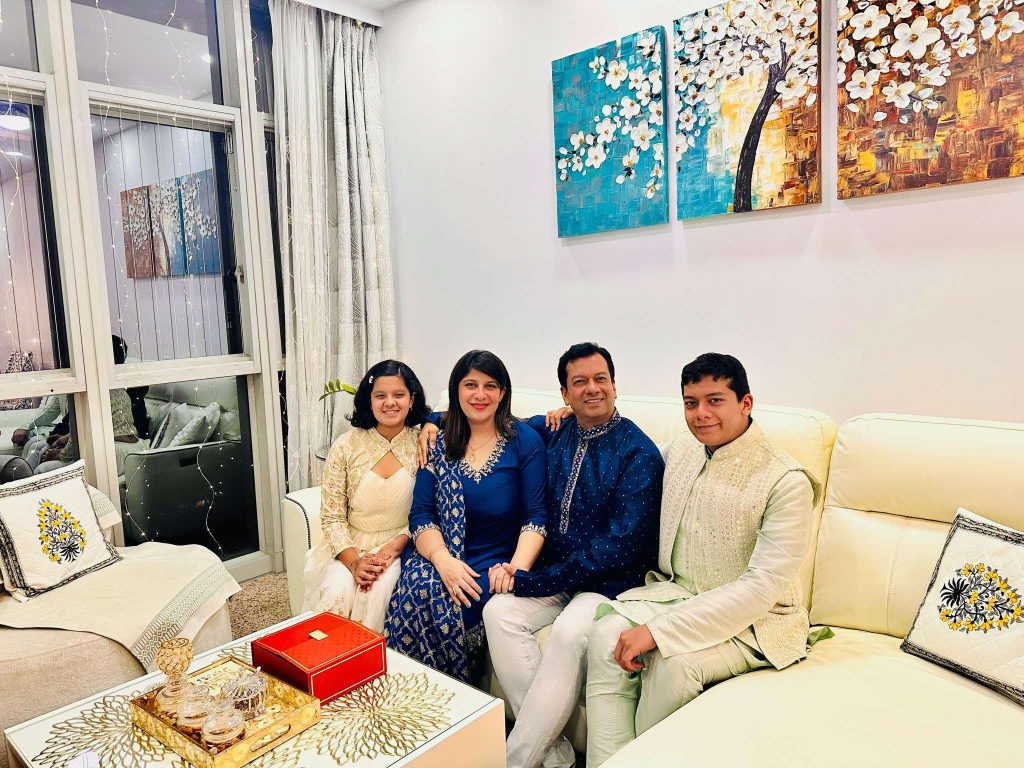
The Bhatia family sets aside regular time where devices are put away for meaningful conversations
Mrs Bhatia advises having open ongoing conversations with your child, not one-off lectures, if you want them to use social media and online platforms responsibly. Teaching children to use technology wisely is a gradual process built on consistency, trust and awareness, she adds.
For instance, dinner time in the Bhatia household is a screen-free affair, set aside for meaningful family discussions about their day and what’s happening in the world. Her husband Mr Jay Bhatia, a software professional, often uses this time to share insights into the latest tech tools, and how to stay safe from online scams and phishing links.
As an AI trainer herself, Mrs Bhatia uses her knowledge to help her children understand how social media platforms and data collection work. “Once they learn how the software tracks your interests, they become more conscious about what they click on,” she says.
When her children first started using social media, Mrs Bhatia also laid down some simple clear rules. “I told them it’s fine to post about a song, hobby or dance routine they like, but avoid commenting on news articles or things that they don’t fully understand. And never post unnecessary comments about others.”
She uses real examples to show how online discussions can quickly go out of hand. “I’ll open the comments section of a post to show them how unnecessary comments can go in the wrong direction,” she says. “We also remind them that the Internet is not a fantasy world. It’s not about chasing ‘likes’, but about using digital content for the betterment of their future.”
For parents who are not familiar with tech, she suggests attending more digital parenting talks to learn more. “Building up digitally good habits at home earlier makes a huge difference later on.”
For more tips on positive and purposeful screen use habits, check out these resources:
- Positive Use Guide on Technology and Social Media
- Guidance on Screen Use in Children
- Practise Healthy Digital Habits
- Grow Well SG
- Parenting with MOE Instagram
Photos courtesy of: Mrs Drishti Bhatia, Zen Chung on Pexels
.jpg&w=3840&q=75)
.jpg&w=3840&q=75)